


























































- Danh mục
- Microsoft
- Giao hàng
- Tức thì, 24/7
- Loại
- Mã (e-pin)
- Tồn kho
- Tổng 1 cái
- Phương thức thanh toán





- Thanh toán an toàn3D Secure và SSL 256-bit
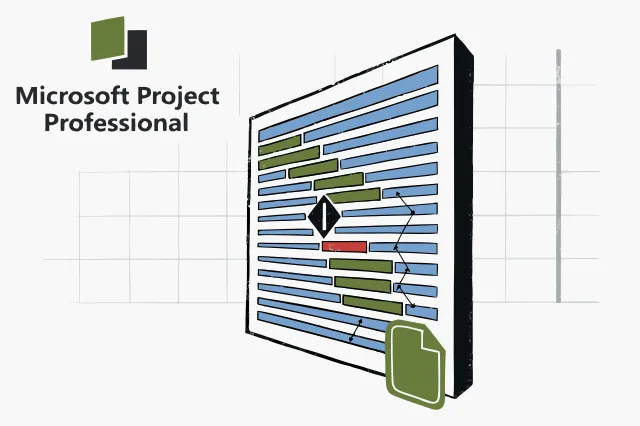
Project 2021 Professional
- 1Thanh toán
- 2Mã sẽ hiện trong vài giây
- 3Kích hoạt trên tài khoản của bạn
Giới thiệuvề sản phẩm này
Gói nàyqua con số
- Giá mỗi đơn vị trong gói này
- 100 Professional = $0.30
Hướng dẫnsử dụng
Hãy đọc kỹ các bước sau trước khi mua
Thông tin bạn nhập khi đặt hàng phải chính xác. Đơn hàng gửi kèm thông tin sai sẽ không được hoàn tiền.
To purchase the software, simply pay by card or using your balance. The code is added to your account automatically, and you only need to enter it in the correct place.
- Select the Project 2021 Professional package and make the payment.
- Open your account and copy the code from your order.
- Sign in to your Microsoft account and enter the code on the official activation page.
- Download the software added to your account and install it on your computer.
- Open Project and sign in with your account.
Please note
When activating the code, make sure you are signed in to the correct Microsoft account, as the code can only be used once and cannot later be transferred to another account. Do not send the code to anyone else as a picture or message. Make sure there are no spaces when entering the code. It is best to copy and paste it. If you encounter a problem, contact live support with your order number. Having your order number and a screenshot ready in advance will help resolve the issue more quickly.
Hỏi đáp
Chưa có câu hỏi nào về Project 2021 Professional. Hãy đặt câu hỏi, người mua và thành viên câu lạc bộ sẽ trả lời.
Khách hàng nói gì về sản phẩm này
Trải nghiệm thực tế từ người mua đã xác minh
Chưa có đánh giá
Hãy là người đầu tiên mua sản phẩm này và chia sẻ cảm nhận của bạn.